
Choose a Photo for Your AI Dance Video
Prepare a clear portrait that gives your video a useful starting frame.
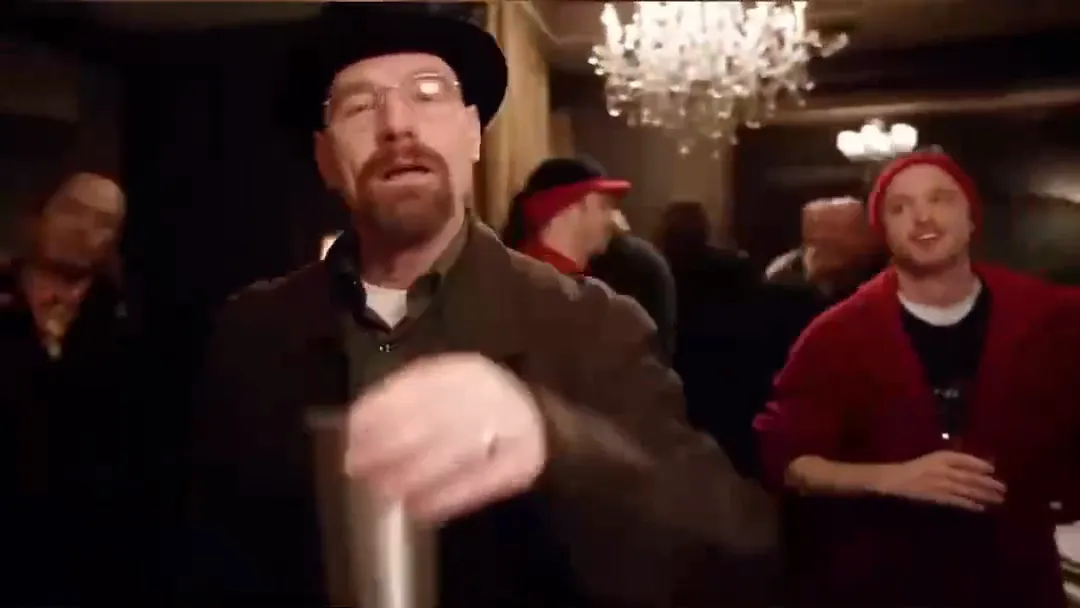
Keep the lead easy to see
Choose a sharp photo with one clear subject. Even light and an unobstructed face make the portrait easier to read. Include hair and clothing when those details matter to your idea.
Match the framing
For a close-up gesture, a portrait may be enough. For a shoulder move or a step, an upper-body image provides more context. The selected model determines how the reference guides framing; a photo cannot reveal details hidden outside the image.
Write a small movement
Start with a smile, a turn, or a wave. A busy dance sequence can make appearance less consistent. Review the clip as the subject moves rather than checking only its opening frame.
Prepare responsibly
Use a photo you have permission to upload. A group image is not a way to assign a separate identity to each dancer in this single-image workflow. Save your original so you can try another crop if needed.