
How to Make a Burning Bridges AI Video
A practical walkthrough from your photo or prompt to a downloaded clip.
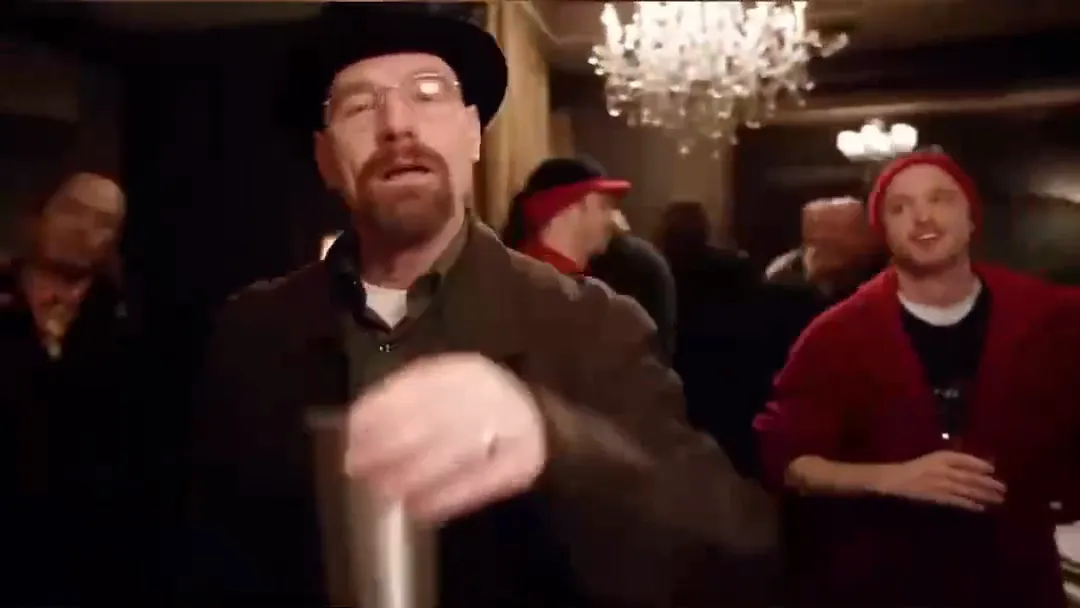
Choose an idea
Watch the homepage examples, then decide on a lead, a room, and one small dance move. Selecting an example fills the tool with a scene prompt and reference image; it does not start a paid task.
Prepare the input
Use text to video to describe a new scene, or image to video to begin with a portrait. Add a short motion prompt: “The guest smiles, takes one step forward, and lifts a hand. The camera follows gently.”
Confirm the settings
Choose a model and a supported duration, resolution, and frame shape. Read the quoted credits before submitting. Generation requires paid access and enough credits. Model settings affect the quote.
Review and download
Wait for the saved task to complete, play the full result, then download it. Check faces, hands, clothing, and sound. Add captions or permitted music in an editor. A new render is an interpretation of your input, not an exact copy of the reference performance.